Docs → Events & Rewards → Closing an event
🔒 Closing an event
Closing is the moment the verdict is written: who met their targets, who is charged, and what the clan is told. It cannot be undone except by re-opening. This is what the close preview shows you and what pressing the button actually does.
The scores arrive on their own. The verdict does not. An event whose window has ended sits waiting until a human closes it, and until then no penalty and no statistics exist. There is no scheduled auto-close anywhere in the portal — nothing is waiting to do this for you.
Closing is also the moment the numbers stop. Once an event is closed the live reading is refused, the automatic journal collection skips it, and the ledgers cannot be edited. So the order matters: let the final figures land first, then close.
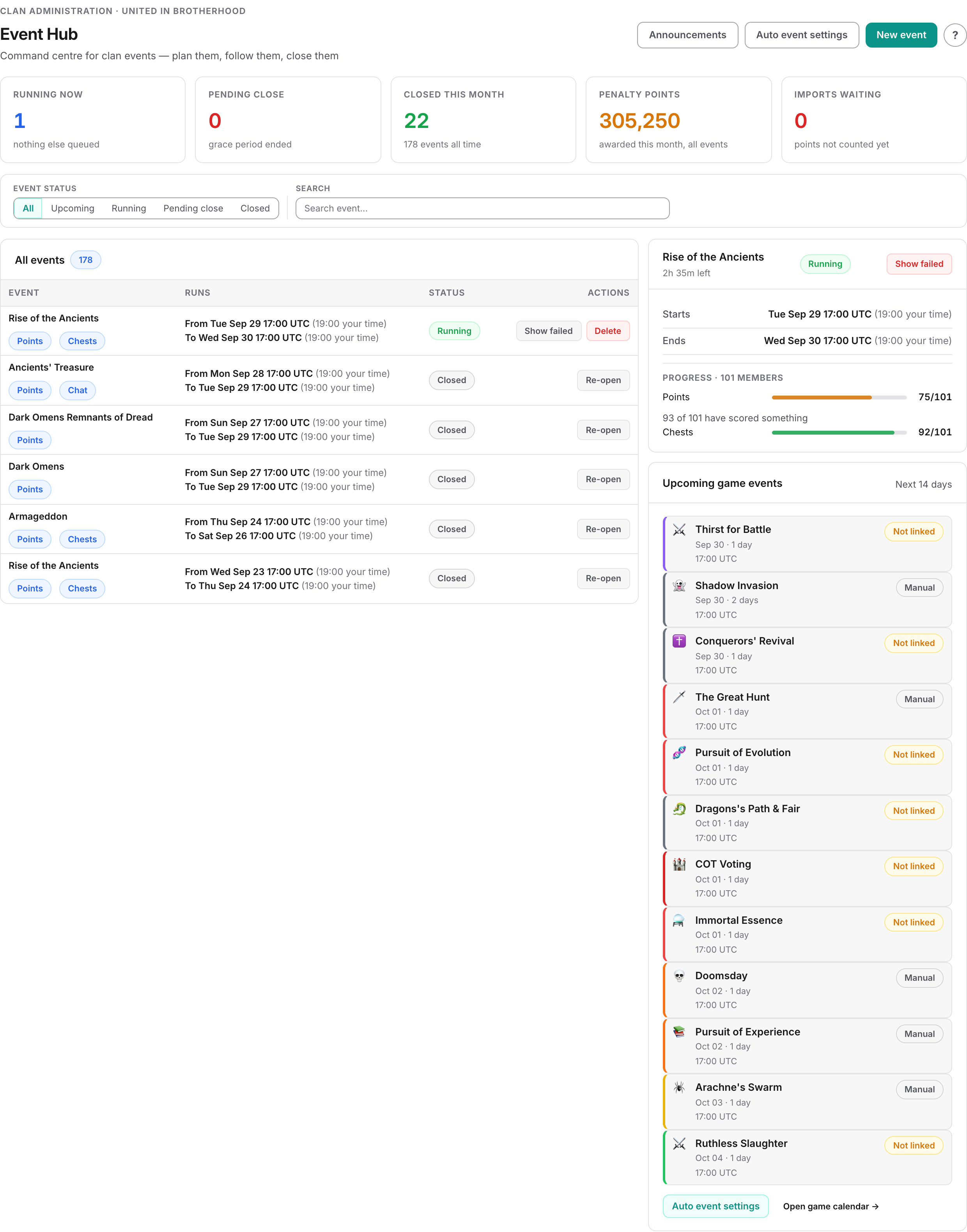
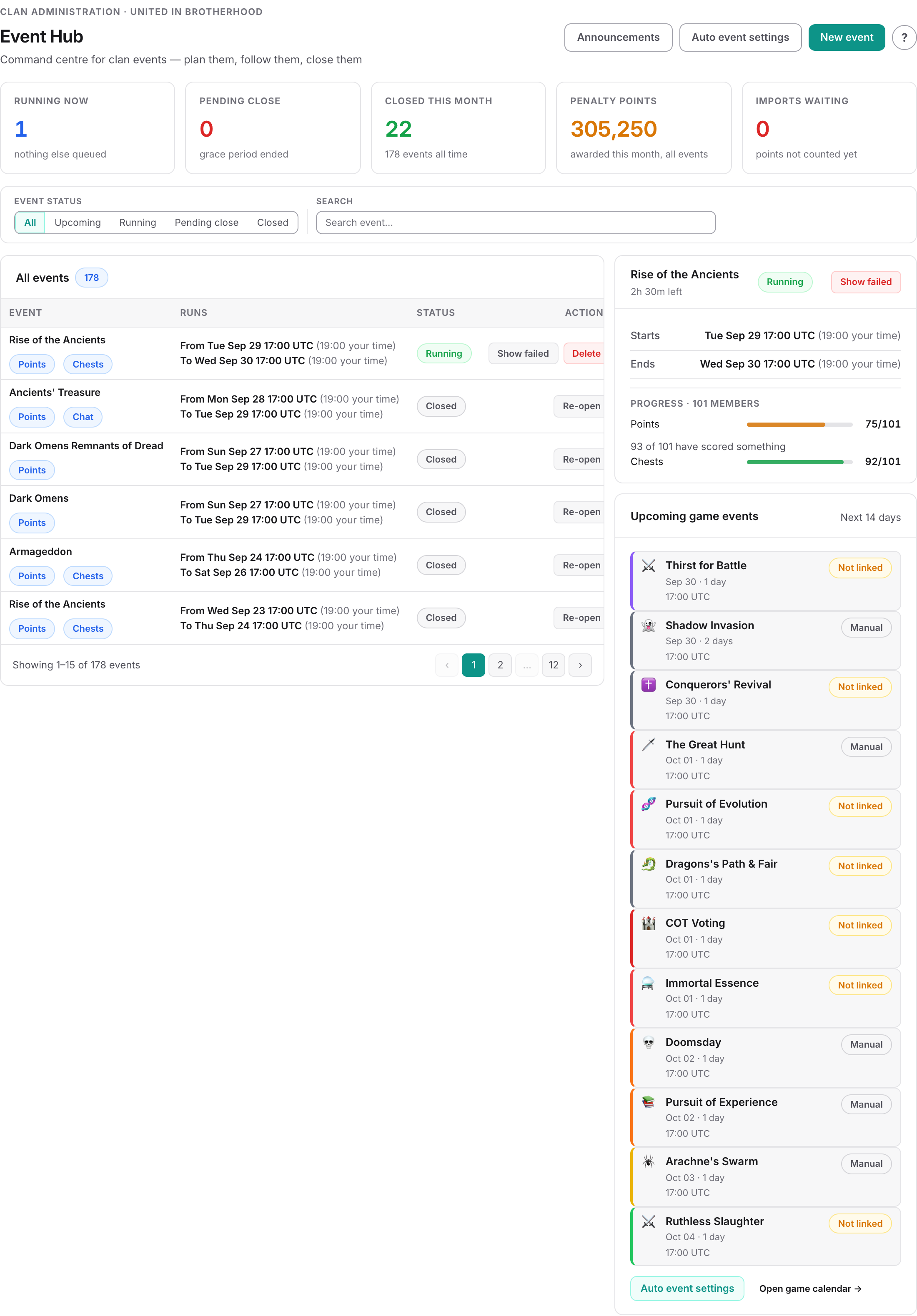
You close from the event's own page — open it from Clan Administration → Event Hub, which lists everything waiting to be closed under Pending close.
When the button unlocks
Close event becomes available the moment the effective end passes — the end date at 17:00 UTC plus whatever grace hours you set. Before that the page shows the moment it will unlock instead of the button.
Unlocking is not the same as being ready. On a point event, give it a couple of hours past the reset and check that the point ledger looks like a finished scoreboard rather than the last live snapshot. Closing between 17:00 and roughly 19:00 UTC is the risky window.
What stops a close
Each of these used to be discovered halfway through — after the penalty chests were booked and the Silver was already debited. They are all checked before anything is written now, and the close button stays disabled while any of them is true.
| Blocker | Why |
|---|---|
| The event is already closed | There is no dedupe on the penalty chests or the Silver, so a second pass would charge everybody twice. |
| No open chest cycle | Penalty points are written into it and have nowhere else to go. |
| A ledger charges points but has no penalty chest | The points would be dropped in silence while the Silver was still charged. |
| The chest ledger requires chests but names none | Nothing is measured, so every member counts zero and every member fails — and the shortfall then multiplies the penalty. |
| The chat group has never been read | Every member starts marked as not having posted, and only a successful read clears them. Closing on an unread channel penalises the whole clan. |
| The resource ledger names no resource types | The goal adds up to zero, so every member passes automatically — the opposite mistake, and just as wrong. |
What the preview shows you
The close panel is not a summary of the calculation. It is the calculation — the same pass that writes the penalties. What you see is what will happen.
The four figures at the top
| Figure | What it counts |
|---|---|
| Penalised | Members who will be charged. Skipped members are not counted. |
| Skipped by you | Members you have ticked off by hand. |
| Penalty points | Total points about to be deducted across the clan. |
| Penalty Silver | Total Silver about to be charged to members' CP accounts. |
Event summary
The panel underneath answers "what am I about to close": the period, how long it ran and with how much grace, which ledgers it scores on, the exact effective end, and which chest cycle the penalties will land in. Then a tile per ledger showing how many members met that ledger's requirement out of everyone the event covers.
One group per ledger
Failures are grouped by what was missed, not listed flat, and each group carries the columns that ledger actually has:
| Group | Columns | Said once at the top |
|---|---|---|
| Point failures | Target · Achieved · Shortfall | Whether the penalty is flat or scaled by shortfall |
| Chest failures | Required · Claimed | How many of which chest |
| Chat failures | Status | Which chat group was read |
| Resource failures | Resource · Target · Achieved · Shortfall | Combined goal or individual goals |
A member who missed two ledgers appears in both groups — that is the point. Their penalty is split the same way, so each column adds up to what that ledger costs rather than to the member's whole bill.
Skip
The tick in the first column excuses one member from being charged. Their ledger row is still closed and still records that they fell short — skipping is mercy, not a pass.
Failed, but not charged
Two different reasons, and neither of them is the same as passing. Both are listed so nobody disappears:
- Exempt from all penalties — a clan-level exemption on the member. Read fresh every time the portal works out who failed, including at close, so granting one after the event was created does spare them.
- Excluded on every ledger they failed — the per-row exclusion on the event's own ledgers.
What is charged, and where it lands
A penalty is two things, and an event can charge either or both:
Penalty points — a negative chest
Points are written as a chest, a negative one, on the member's own chest record, so they flow into the chest cycle totals exactly like a real chest, only downwards.
Three things must be true before one is written: the member failed a ledger the event evaluates, they are not excluded, and a penalty chest is chosen for that ledger.
A ledger that charges penalty points with no chest to book them on stops the close: the panel names the ledger and the button stays disabled until you pick one. It used to book the Silver, silently drop the points, and report fewer penalties than the preview had quoted.
Penalty Silver — a debit on the CP account
Silver is charged to the member's clan CP account as a transaction of type event_penalty, and their balance moves down by that amount. It shows on their CP statement with the event's name.
Per tier, and scaled or flat
Both the points and the Silver can be set per tier, so a T9 and a G3 need not pay the same. If the event has proportional point penalties switched on, the amount is scaled by how far short the member came: someone on 0 pays the full penalty, someone on 90% of target pays 10% of it — points and Silver alike, always rounded up with a minimum of 1. The preview shows both the scaled amount and what the full penalty would have been.
The chest ledger is the exception: it charges per missing chest. Required 5, claimed 3 means two lots of the penalty.
Which cycle it lands in
Penalty points are dated to the event's effective end and dropped into the open chest cycle containing that moment. If no open cycle contains it, they go into the next open cycle instead. The summary panel names the cycle before you press anything.
What the clan is told
The bottom of the panel answers this, and what it offers depends on whether you already have a rule for it.
If a rule already covers the close
An auto-announcement rule set to trigger on Event Closed fires by itself the moment the event is marked closed. The panel says so, names the rule, lists its channels and links you to it — and offers no choices at all.
If no rule covers the close
Then nothing is sent unless you send it, and the whole composer is here: the message, an optional line of your own, and the four channels with their limits — Portal, Ingame Announcement, Ingame Chat (which needs a chat group) and Direct Message (which can go to everyone or to chosen ranks).
This one goes out once, for this event only. It does not become a rule.
What pressing the button does
In order, as one operation:
- Writes the penalties — points as negative chests, Silver as CP transactions.
- Marks every ledger row met or failed.
- Books the resource penalties, if the event has a resource ledger.
- Queues the statistics that feed the event dashboards.
- Marks the event closed — which is what fires any Event Closed announcement rule.
- Sends your one-off announcement, if you asked for one and no rule covered it.
- On an Ancients' Treasure event with kills in its plan, moves the clan's Tin Man level up.
What closing freezes
- Frozen: every setting on the event, and every ledger. A closed event is read-only until you re-open it.
- Frozen: the pass/fail verdict on each member, and the statistics written at close.
- Not frozen: chest and resource counts, which are still counted live. A closed event can show a member at 3/5 in red next to a badge saying they met the target, if chests arrived after the close.
Re-opening
Re-open puts the event back into editing and revokes the penalties it applied — the negative chests are removed, the Silver is credited back as an event_penalty_revoked transaction, the resource entries are unwound, and every ledger row goes back to pending. You can then correct the event and close it again cleanly.
A short checklist
- The effective end has passed, and it is at least a couple of hours past the reset.
- No point imports are still waiting for review — their points are not in these numbers.
- There is an open chest cycle, and the summary panel names it.
- The ledger tiles do not read "0 met" — that means the figures have not landed.
- Every group's numbers look like a real shortfall, not like an empty ledger.
- Anyone you meant to excuse is ticked in the Skip column.
- You know whether a rule will announce this, or whether you are sending it yourself.
Common questions
The Close event button is greyed out. Why?
The effective end has not passed yet — that is the end date at 17:00 UTC plus your grace hours, not midnight on the end date. The page shows the exact moment it will unlock.
The close was refused and said there is no open chest cycle.
Penalty points are written into the clan's open chest cycle, so without one they have nowhere to land. Open a cycle and try again. The refusal happens before anything is written, so nothing is half-done.
Everybody failed the point requirement. Should I close?
Almost certainly not. That is the classic sign that the final scoreboard has not landed yet, or that the event dates never matched the real in-game event. Check the dates against the game, wait for the figures, and look again.
What is the difference between skipping a member and excluding them?
Skip is a one-off decision you make in this close preview: they are not charged, but their ledger row still records that they fell short. An exclusion is a standing setting on the ledger row or on the member, and it takes them out of the failure calculation entirely.
Penalty Silver was shown but a member was not charged.
They have no CP account in this clan. Silver is charged as a transaction on that account, so without one there is nothing to charge. The close records that it skipped them and carries on rather than failing.
Why can I not choose the announcement channels?
Because a rule already covers the close. It fires by itself when the event is marked closed, and choosing channels here would send the same news twice. The panel names the rule and links to it — change it there.
Can I undo a close?
Re-open the event. That revokes the penalties it applied — the negative chests are removed, the Silver is credited back, and the ledger rows go back to pending. The statistics written at close are not recalculated until you close it again.
Related